Entering baseline mode
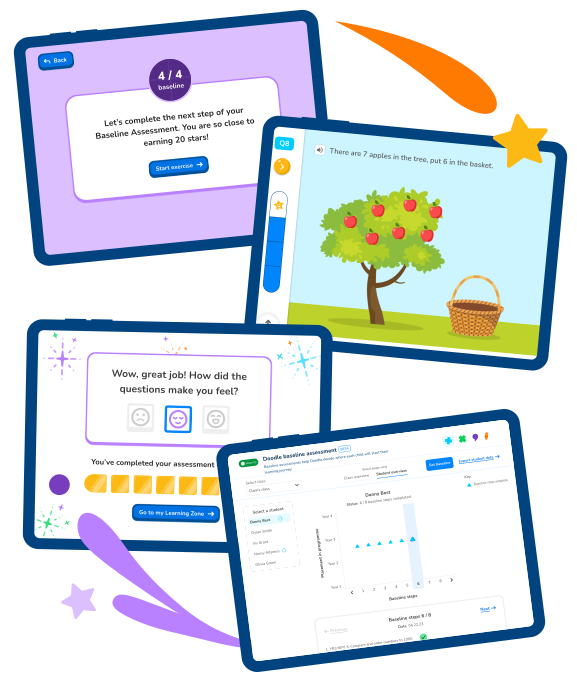
When a pupil first logs in, Doodle will enter into baseline assessment mode. Within the student's first 50 questions, Doodle will identify each child’s current level and pinpoint gaps in knowledge across the whole curriculum to create unique learning programmes.

Personalised learning
Doodle uses an algorithm called Proxima™ to tailor content to each child, working within their Zone of Proximal Development. Data collected from each child’s baseline assessment informs where a pupil needs to spend more time to build their understanding.

Real-time data and feedback
Doodle tracks pupil progress, providing real-time data to inform lesson planning and targeted interventions, empowering teachers to provide timely and personalised support, all while delivering it's own personalised practice programme.
DoodleMaths
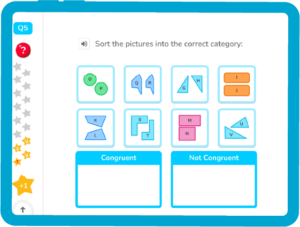
Filled with 40,000+ interactive exercises, DoodleMaths builds numerical reasoning and problem-solving skills, giving learners core skills they can use in the classroom and beyond.
DoodleTables
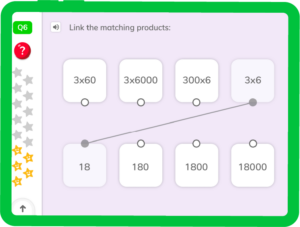
Going beyond instant recall, DoodleTables helps children to understand the relationships between numbers, helping them to memorise their times tables.
DoodleEnglish
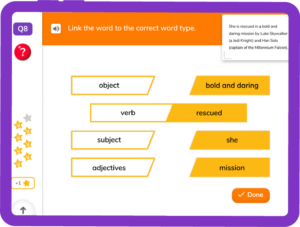
Covering spelling, grammar, punctuation and comprehension, DoodleEnglish builds core literacy skills and explores language in real-life contexts, bringing the curriculum to life.
DoodleSpell
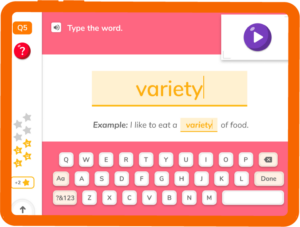
DoodleSpell helps learners to understand the meaning behind words and how to use them in sentences, improving their vocabulary and taking them beyond ‘look, write, cover, check’.
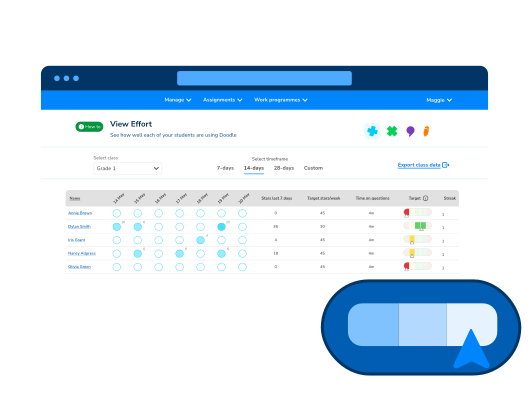
View effort at a glance
Quickly check how often each pupil is using Doodle and how they’re progressing against their targets. Switch between individual and whole-class views to get the full picture. From streaks and star counts to time spent on learning, everything’s laid out clearly.
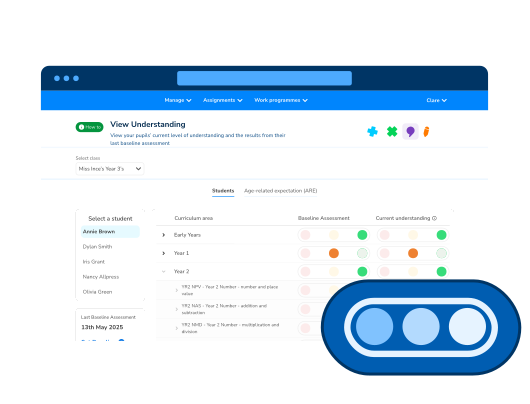
Spot learning gaps
The 'View Understanding' page shows how well each pupil is grasping key concepts. Switch between student and curriculum views, explore progress since their last baseline, and dig into tricky questions, all from one clear dashboard.
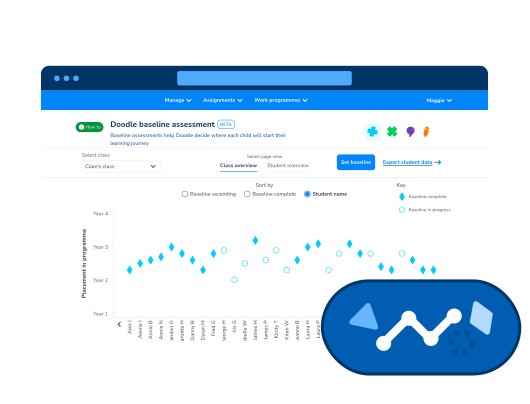
Know where each student stands
The 'baseline assessment' page shows where each pupil sits within the curriculum based on their baseline assessment. Switch between class and student views to explore progress, pinpoint starting points, and dig into question-level detail. It’s a powerful way to personalise learning from day one.
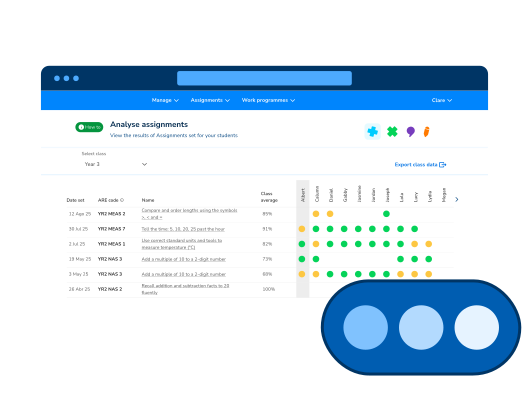
Set targeted practice with a click
Assignments let you focus on specific topics, reinforce tricky areas, and tailor learning to each pupil. You can schedule tasks, track progress, and even create your own. It’s flexible, fast, and built to support meaningful intervention.
Track progress in real-time
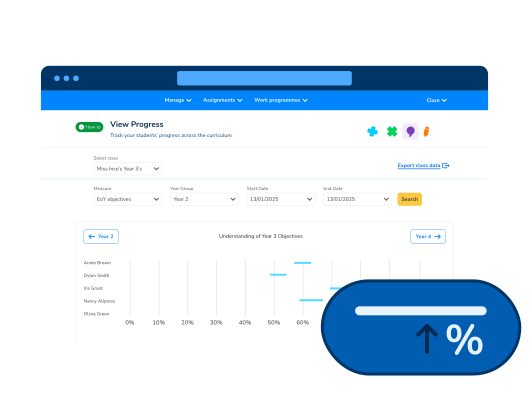
Get real-time insights into your students' progress with the Teacher Dashboard. Easily track progress over time, identify areas for improvement, and celebrate achievements with customizable metrics and clear graphs.
Celebrate progress with meaningful rewards
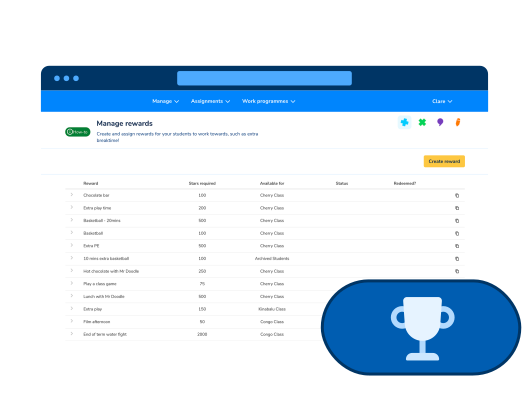
Teachers can create custom rewards that motivate pupils to keep learning and earning. Set goals, track redemptions, and tailor incentives to what matters most to your class. It’s a simple way to boost engagement and make effort feel valued.