Get ready for the Multiplication Tables Check with DoodleTables!

Here’s everything you need to know about how DoodleTables can help your class walk into the MTC feeling confident and ready. 

Author

Sophie Withey,
Curriculum & Instruction Manager

Published:

March 2026

Key takeaways

  •  Build understanding before speed: Cambridge research suggests maths anxiety can disrupt memory, so effective times tables prep combines low-pressure conceptual learning with later timed practice—not drill alone.
  • Use DoodleTables to mirror the MTC—without the stress: Children work through untimed Learn exercises (visuals, word problems, representations) then practise rapid recall with the 60 Second Challenge, which closely reflects the MTC’s timed format.
  • Target gaps efficiently with mastery + tracking: The mastery system locks completed tables and dashboards highlight what each pupil has (and hasn’t) secured, helping teachers focus assignments and restriction settings on the tables that matter most in the run-up to June.

Why the approach to practice matters

It’s tempting to think that times tables preparation is simple: just drill, drill, drill. But research from the University of Cambridge’s Cambridge Maths project paints a more nuanced picture. 

Their findings show that maths anxiety can interfere with memory, meaning that high-pressure testing can actually create the anxiety that skews results and undermines confidence — the very opposite of what we’re trying to build. They also found that using ICT to learn times tables facts can be more effective and motivating than paper and pen methods, and that a range of different methods and representations is more effective than drill and practice alone. 

In other words, the best preparation doesn’t just test recall — it builds understanding first, then adds speed on top. 

Enter DoodleTables 

If your school subscribes to DoodleMaths, you already have access to DoodleTables at no extra cost. Created by a team of teachers, our dedicated times tables app has over 1,200 questions, designed for children aged 4–14 — meaning schools can begin building times tables fluency well before Year 4, not just in the run-up to the check. It’s been built with exactly the kind of evidence-informed approach the Cambridge research supports. 

DoodleTables works a little differently to other Doodle apps. There’s no initial assessment. Instead, students choose a times table and work through it at their own pace until they’ve mastered it. The level of questions is set by self-assessment, so every child starts where they need to. It replaces worksheets with fun, interactive exercises and games — keeping learning fresh and encouraging the “little and often” habit that builds lasting fluency. 

It also works offline on tablets and phones, so students can practise anywhere — whether that’s in the classroom, at home, or on the go. DoodleTables also has built-in accessibility features including coloured overlays and audio dictation, so it’s designed to be inclusive, enabling every child — including those with SEND — to learn independently. 

It has two core activity types that work together: 


Learn exercises

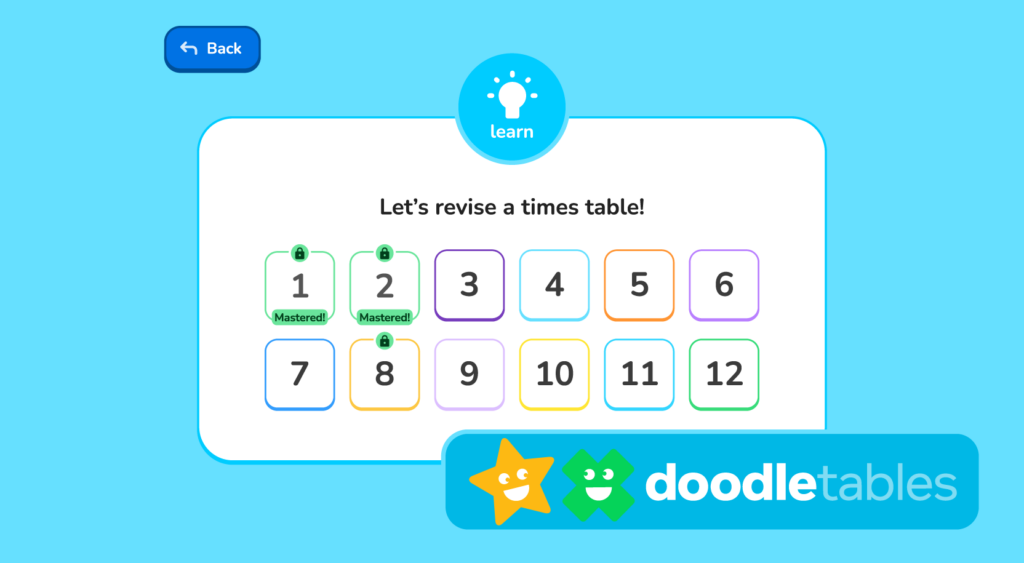
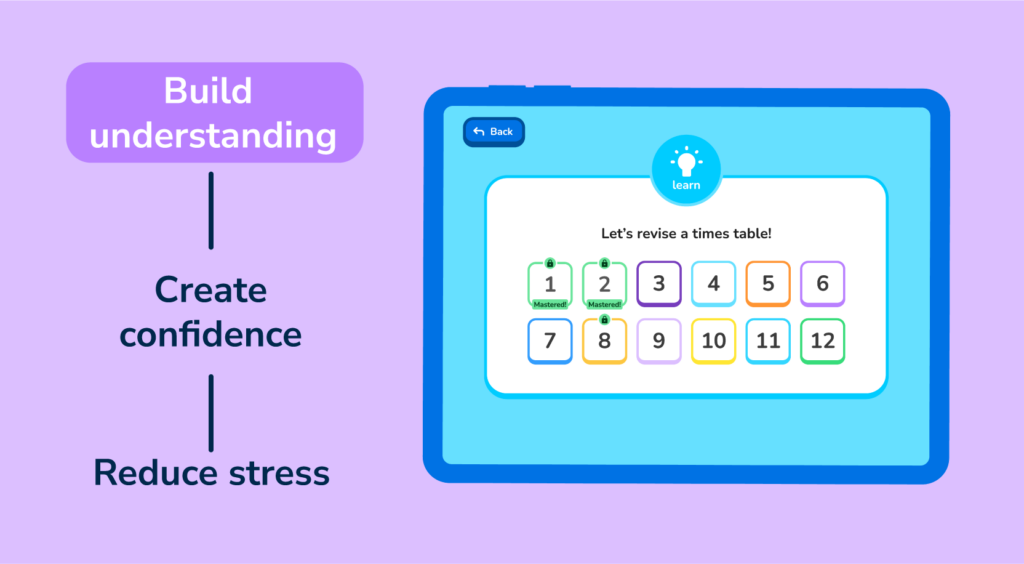
These are the foundation of DoodleTables. ‘Learn’ exercises help children understand the relationships between numbers — exploring multiplication as repeated addition, incorporating word problems, and using visual representations and related number facts. There’s no timer for these exercises. The aim is to build a deeper conceptual understanding of what multiplication actually means, so that when children do move onto rapid recall, they have genuine knowledge to work from. 

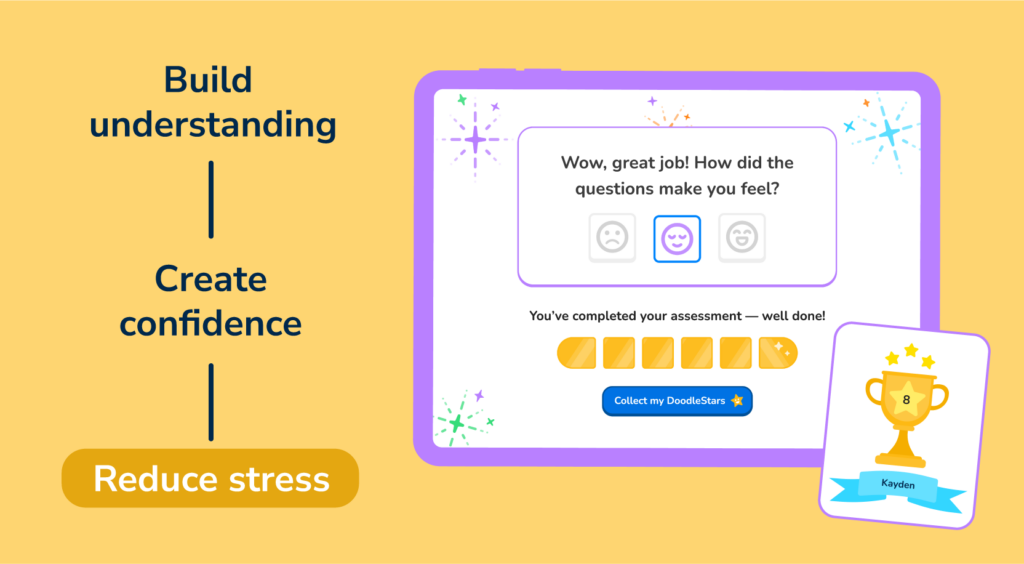
This matters because, as the Cambridge research highlights, approaches that go beyond pure drill help learners make meaningful connections and apply their knowledge in different contexts. It’s also a gentler entry point for students who experience maths anxiety — they can build confidence without the pressure of a ticking clock. 

The 60 second challenge

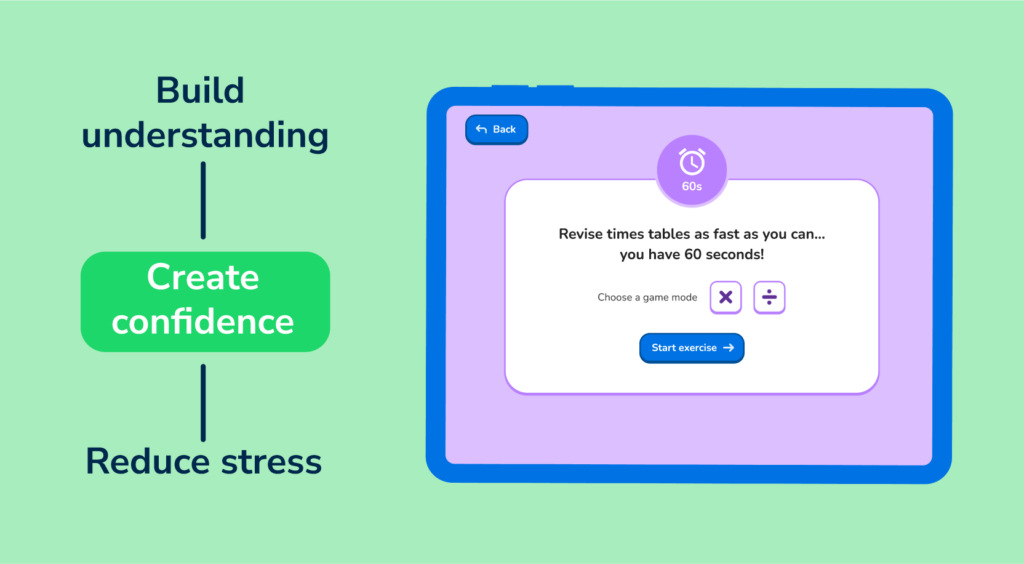
Once students have built understanding through the Learn exercises, the 60 Second Challenge tests their instant recall under timed conditions. Pupils choose either multiplication or division mode, then have 60 seconds to answer as many questions as they can — directly mirroring the rapid-recall nature of the MTC itself. 

This is where the MTC preparation becomes really tangible. The check gives students six seconds per question; the 60 Second Challenge trains them to retrieve answers quickly and accurately under time pressure, in a low-stakes, game-like environment rather than a formal test setting. 

The mastery system

One of DoodleTables’ most useful features for MTC preparation is its mastery system. To “master” a times table, a student must complete all the Learn exercises with high accuracy and correctly answer all questions for that table within a 60 Second Challenge. 

Once a times table is mastered, it locks — gently steering the child toward the tables they still need to work on. This is particularly valuable in a classroom context because it means students are automatically directed to their areas of weakness without the teacher needing to set individual targets for every child. 

Track progress and target the gaps

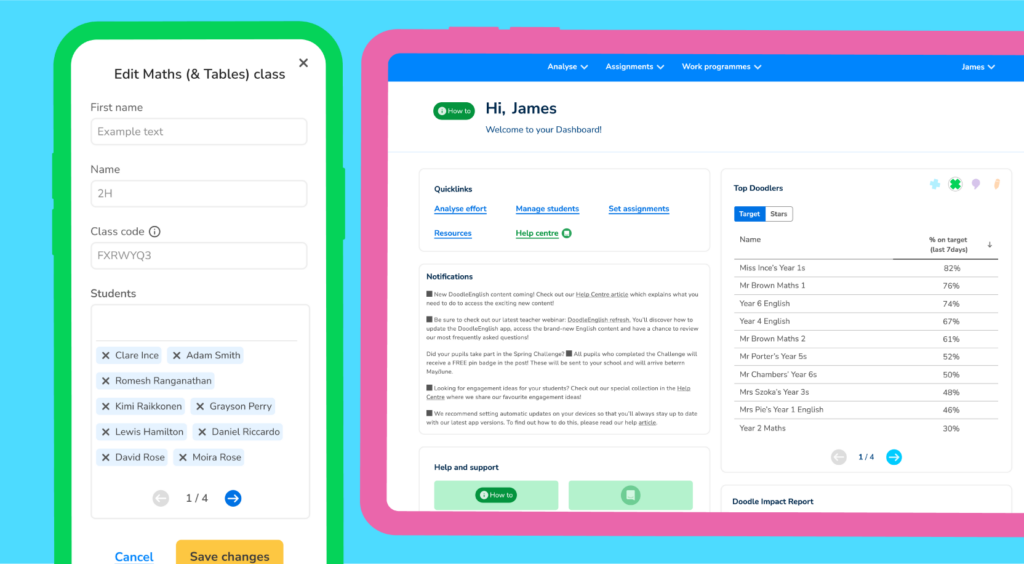
For every student, in both the Teacher Dashboard and Parent Dashboard, you can view their current level of understanding and how much content they’ve covered across all twelve times tables. At a glance, you can spot which tables a child has mastered, which they’re making progress on, and which they haven’t started yet – a valuable insight for a teacher with 30 students preparing for the MTC. 

“The Teacher Dashboard makes it easy to identify gaps in children’s learning. The ability to set extras alongside the work we are doing in school has been a great help in closing gaps.” – Roxanne, Maths Lead, Cliffe VC Primary School. 

Teachers can also set assignments on specific times tables, directing individual students or groups toward the areas that need the most attention. And they can restrict or lock specific tables, ensuring a student focuses only on the ones that they need to. If tables are restricted, they won’t appear in the 60 Second Challenge. This is especially useful in the run-up to the MTC, when you might want your class concentrating on those high-frequency 6, 7, 8, 9, and 12 times tables rather than spending time on the 2s and 5s they already know. 

What teachers are saying

“Times table accuracy is improving! Pupils in Year 5 use the app to consolidate learning. Year 6 pupils use to embed previous learning to long term memory by being reminded of skills not currently being taught.” — Laura, Teacher, Highfield Middle School 

“All Year 1 and 2 who used it regularly last academic year showed improvement in tables against those who didn’t.” — Audrey, Teacher, Milborne St Andrew First School 

“Children enjoy using Doodle and are more confident, especially with their maths. They particularly enjoy using Doodle Tables to support learning their times tables.” — Emma, Teacher, Northway Community Primary School 

Making it work in practice

Here’s a simple approach for the weeks ahead: 

Leading up to Easter — Make sure all Year 4 pupils have accessed DoodleTables and are working through the Learn exercises. Use the Restricted Tables feature to focus on the 6–9 and 12 times tables if students have already mastered the earlier ones. 

After Easter — Encourage daily use of the 60 Second Challenge alongside continued Learn exercises. The timed format will build the rapid recall students need, and the game-like setting keeps it feeling like practice, not pressure. Remind students (and parents) that DoodleTables works offline on tablets and phones — so practice doesn’t have to stop at the school gate. 

Final two weeks before the MTC — By now, students should be familiar with the format and pace of timed recall. Use DoodleTables as a confidence-builder, letting children see how many tables they’ve mastered and celebrating their progress. 

And don’t forget Year 3!  DoodleTables is designed for ages 4–14, so there’s no reason to wait until Year 4 to start building times tables fluency. Schools that introduce DoodleTables in Year 3 — or even earlier — give their pupils a significant head start, so that by the time the MTC arrives, the foundations are already in place. 

Explore Doodle further!

Our no-obligation consultations with our Education Consultants, all former teachers themselves, are a great way to see how Doodle could work in your school

Explore DoodleTables for your school

Login

Are you a parent, teacher or student?

Get started for free!

Are you a parent or teacher?

Maths information pack

We ask for your contact info so we can send our info pack directly to your inbox for your convenience

Exam prep information pack

We ask for your contact info so we can send our info pack directly to your inbox for your convenience

Case studies information pack

We ask for your contact info so we can send our info pack directly to your inbox for your convenience

Information pack

We ask for your contact info so that our Education Consultants can get in touch with you and let you know a bit more about Doodle.

Student Login

Which programme would you like to use?

If you’d like to use Doodle’s browser version, please visit this page on a desktop.

To log in to Doodle on this device, you can do so through our apps. You can find out how to download them here: